How to “Undo” in Travelmesh
If while working in an Itinerary or Supplier, you accidentally made a change you don’t want to keep, you can easily revert to your last saved version of the Itinerary or Supplier by following these steps:
- DO NOT SAVE, instead Click the REFRESH button
 , found in the top toolbar.
- A warning message will pop up, asking if you want to save your changes, select NO.
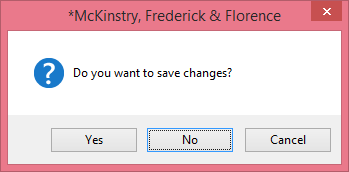
- Any changes made since your last Save will be restored!
- Click Save now, to keep this previous version.