Default Tasks
Default Tasks populate the Name field in the Tasks workspace on the Itinerary Tab (as seen in the image below). These act as a working checklist for each Itinerary.
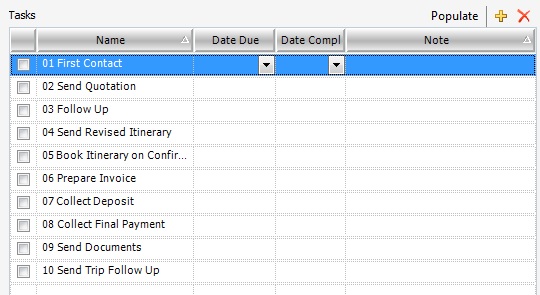
For example; 01. First contact 02. Send quotation 03. Follow up 04. Send revised itinerary 05. Book itinerary on confirmation 06. Prepare invoice 07. Collect deposit 08. Collect final payment 09. Send documents 10. Send trip Follow Up
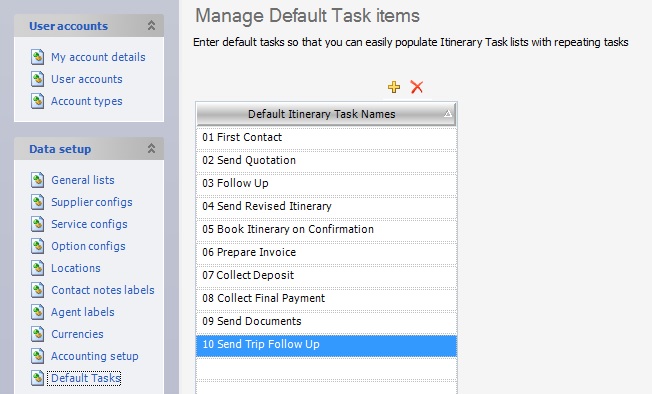
Default Tasks can be added or deleted under Tools > Setup > Data setup > Default Tasks as seen below (in accordance with your internal procedure policy).
In Additional > Reports, then under the Standard folder, is a report called Tasks Outstanding. This report provides a list of outstanding tasks, sorted by consultant, to easily show what needs to be done. Read more about this report here.